How to set up TikTok Shop for an ecommerce brand
March 6, 2026
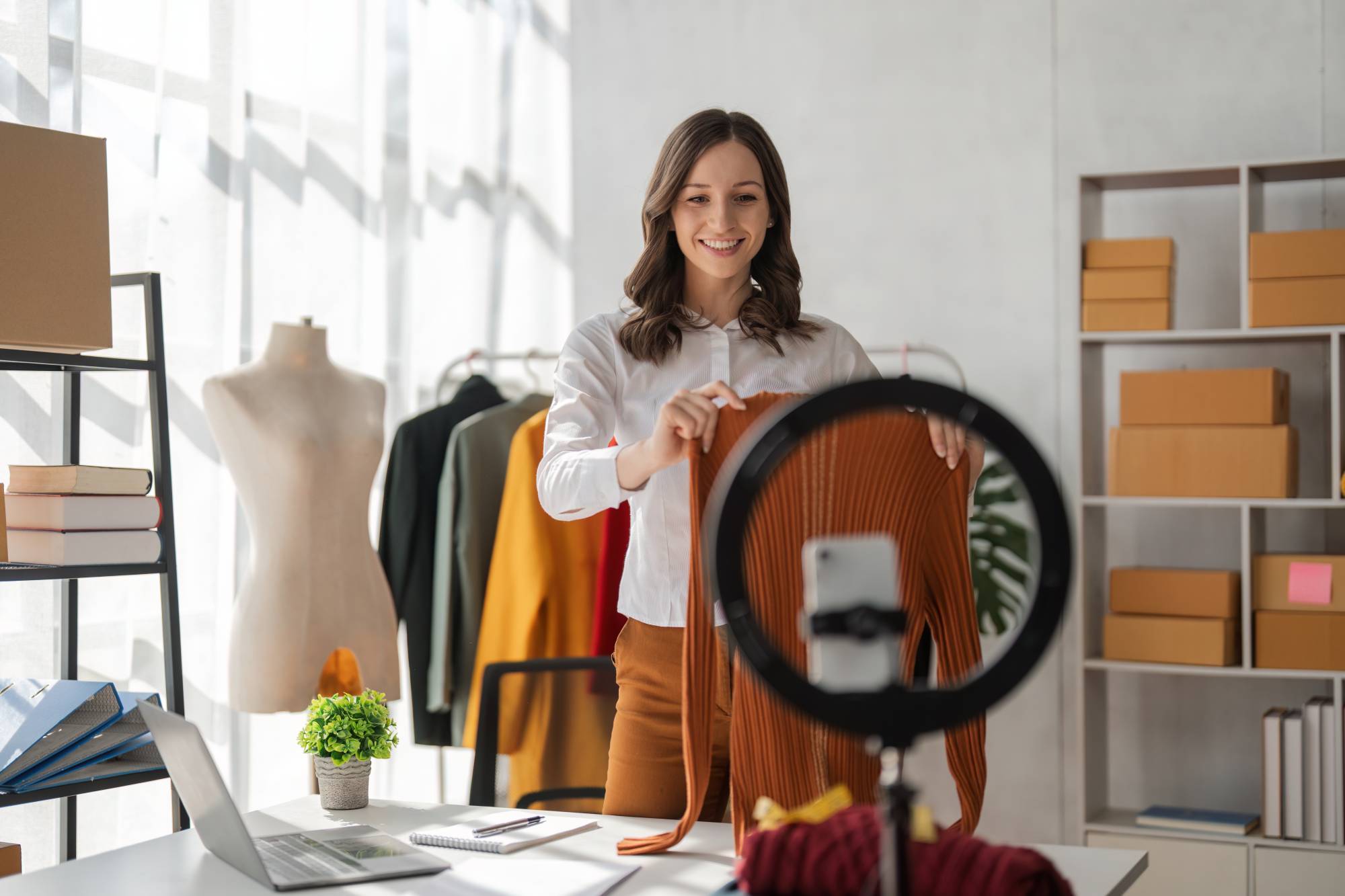
Ready to have your brand on TikTok Shop? But not sure how to set it up correctly?
This guide will show you how to set up a TikTok Shop step by step, and how to fine-tune your listings for more sales.
Whether you’re launching a new product or scaling your brand, a strong TikTok Shop set up will help you drive real results.
What to know before you start
TikTok Shop features shoppable videos, LIVE shopping, and affiliate sales, all managed with in-app checkout and a central Seller Center. A clean TikTok Shop set up reduces friction and lets you test content and offers quickly.
To set up a TikTok Shop, you need:
- Business or creator account
- Identity verification
- To meet TikTok’s product requirements.
- Typical steps include submitting business registration, tax information, and banking details. Some categories, such as supplements or cosmetics, may require extra documentation during the TikTok Shop set up process.
How to set up your TikTok Shop
Optimize your TikTok Shop for sales
- Product listings: Use clear details and benefits up front, include multiple images, and show a short demo video. Add size guides and FAQs to keep returns low after setting up TikTok Shop.
- Promotions and ads: Combine shopping ads, LIVE events, and affiliate posts. Use strong visuals and urgent offers to encourage conversion during your TikTok Shop set up.
- Engagement: Respond promptly to comments, pin helpful tips, and encourage customer reviews. Go LIVE regularly to boost engagement and drive sales.
- Operations: Keep inventory up to date, offer competitive shipping, and communicate clearly with buyers. Automation and compliance monitoring avoid disruptions and help your TikTok Shop set up run smoothly.
Let Pattern handle your TikTok Shop set up
TikTok Shop setup has a lot of moving parts. The application, listings, content, fulfillment, and ongoing operations each take real time and expertise to get right.
Pattern handles all of it. From your Seller Center application through product listings, content creation, and order fulfillment, our team manages the details so you can focus on your brand.
We've helped brands get on TikTok Shop quickly and set up to grow. If you're ready for a partner who knows the platform inside and out, get in touch with a Pattern expert.
Latest blogs to check out.
.jpg)
%20(1).jpg)