

TikTok Shop
TikTok Spark Ads: what they are and how brands use them
What TikTok Spark Ads are, how to get a Spark Ads code, how to launch them in Ads Manager and how they work with GMV Max for TikTok Shop sellers.
November 25, 2026

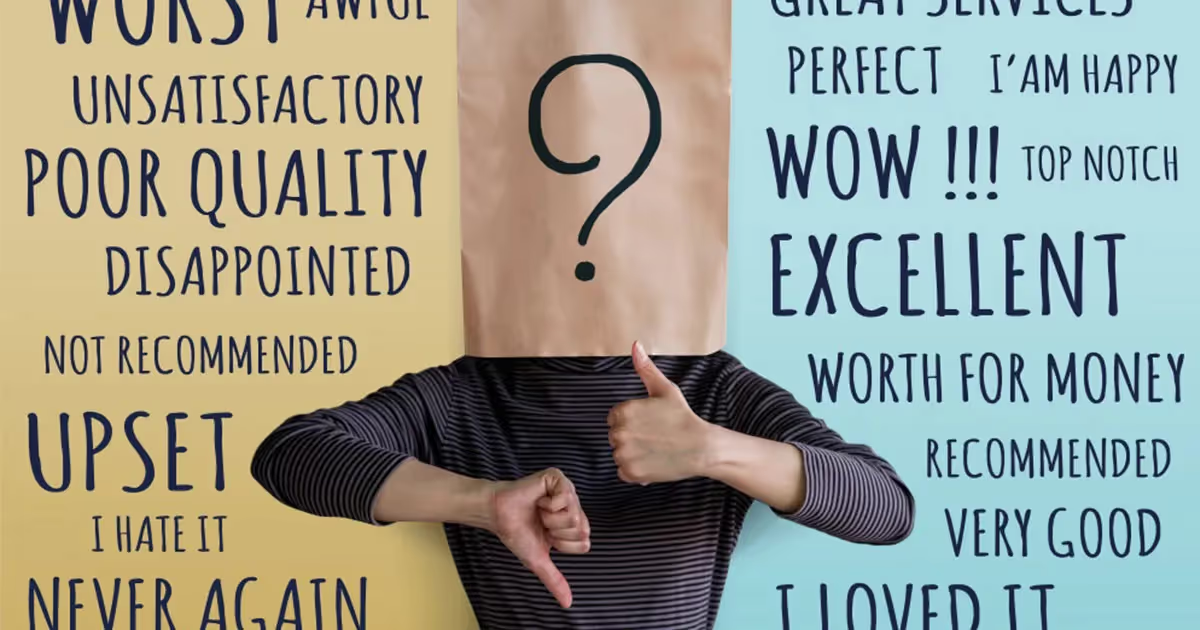
No matter what type of product you sell, negative product reviews are inevitable. They’re simply a part of life for anyone selling products online. How you handle them, however, will determine whether your company’s reputation is negatively impacted by those reviews.
A Bright Local survey has found that 85% of customers trust reviews as much as a personal recommendation. Reviews build trust amongst consumers who haven’t yet tried your product. So what should you do when you receive a negative or one-star review that could drag down your product’s average rating?
If you’ve received a negative review, here are the steps you should take:
First, it’s important to keep your reviews in perspective. The occasional bad review is unlikely to damage your reputation since a product with nothing but 5-star reviews will often look phony. Mixed reactions are normal, and consumers realize that not everyone is going to like the same products.
Of course, a deluge of bad reviews is another story. But even if you’re suddenly facing a ton of 1-star reviews (or one particularly nasty review), it’s crucial that you keep a cool head. Approaching the problem from a place of logic will serve you best in the long run.
Most of the time, people leave a terrible review because they’re hoping to get your attention. In this case, it’s usually a good idea to give them that attention. Login to Amazon and respond to the negative review. Regardless of your feelings about the review, the first step is to offer an apology. Keep in mind that this doesn’t mean you’re apologizing for your product. Instead, you’re apologizing for the dissatisfaction the customer feels after their experience.
Not only is this a good start with the customer in question, but it’s also appealing to potential customers who will read the review- and your response. Once you’ve apologized, offer to make it right. Be generic- otherwise, people who read your response will expect the same result. End your response by asking for them to get in touch. That way, the conversation will be moved off of Amazon.

If the customer has gotten in touch, or you’ve managed to email the customer directly, now you have a chance to fix the problem. This could mean sending out a new product or even offering a refund. A couple of weeks after you’ve fixed the problem, follow up with the customer to check that they’re happy. If they are, ask them if the would mind changing their review to reflect that the problem has been solved.
It can be tricky to get an Amazon review removed, but it is possible. This will depend on if the review is compliant with Amazon’s Terms of Service. First, check if the reviewer has written their review as Customer Feedback or a Product Review. Customer Feedback covers packaging, delivery, the condition of the container or product, and the customer’s experience with the merchant. If a Product Review has been written as customer feedback, you can request that Amazon remove it.
Product Reviews can be more difficult to get removed. But, if they contain customer feedback and no mention of the product, you can get them deleted. Amazon also removes offensive content and hate speech, inappropriate content, one-work-reviews, promotional reviews, and promotion of illegal conduct. To ask for a review to be removed, click the Report abuse button next to the review. You can then write a reason why the content is inappropriate. You can also contact seller support.
While the above tips will help in the event that you get an occasional negative product review, you should still take these reviews seriously. If you find that you’re consistently getting negative reviews, it’s crucial that you get to the bottom of what’s going wrong and why- so you can fix the problem. Need more information about selling on Amazon? Get in touch today.
Latest blogs to check out.
TikTok Shop
TikTok Spark Ads: what they are and how brands use them
What TikTok Spark Ads are, how to get a Spark Ads code, how to launch them in Ads Manager and how they work with GMV Max for TikTok Shop sellers.
November 25, 2026

TikTok Shop
How much do TikTok ads cost? A guide for brands
What TikTok ads cost: TikTok's minimum budgets, recommended starting budgets, how bidding works, and the full cost of a TikTok Shop sale, including fees and creator commission.
November 23, 2026
Marketplace Accelerator
What does renewed mean on Amazon?
Amazon Renewed explained for brands: who qualifies, the $50,000 invoice rule, the 5% pricing rule, and the guarantee claims you'll back as a seller.
November 21, 2026